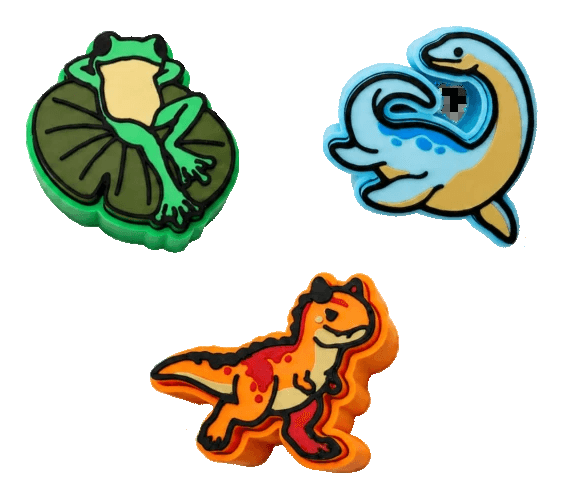
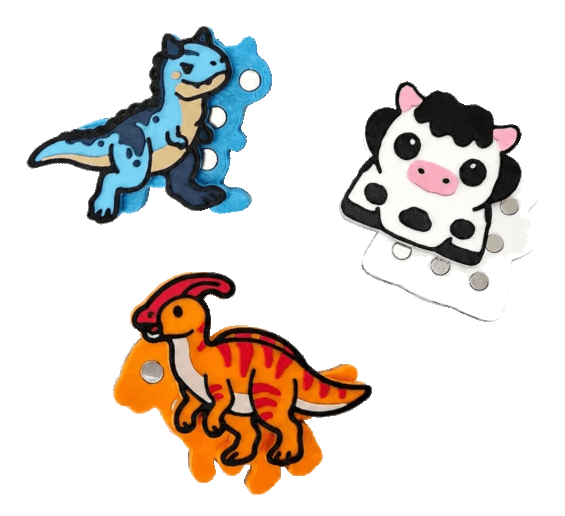
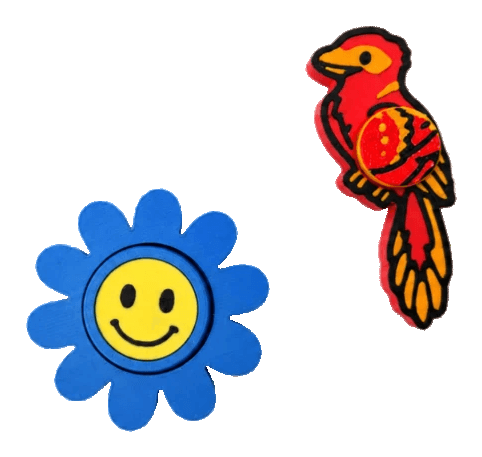
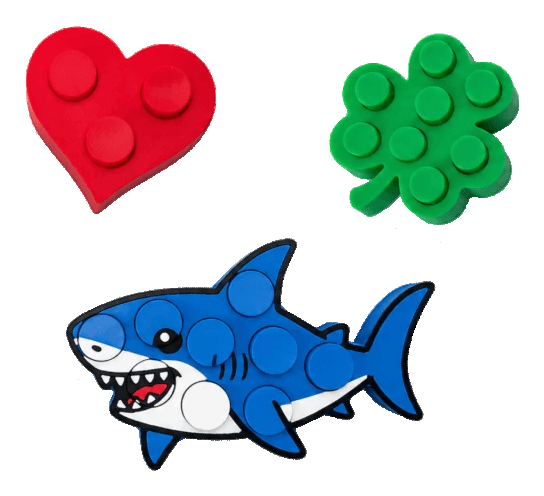
Campaign launching on Makerworld

Your picture. A fidget toy. Under a minute.

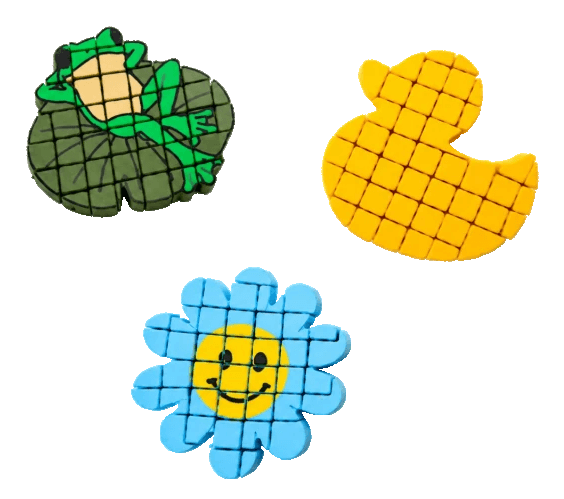
A logo, a sketch, a photo. FidgetMaker turns it into a print-ready multi-colour fidget toy: clickers, magnetic sliders, spinners, pop bubbles, flex meshes, infinity cubes. No CAD. Nothing to install.

Click itslide itspin itpop itflex it

Makerworld

campaign first

Commercial license

sell your prints

Lifetime access

no subscription

Stretch goals

all included

See how it’s made

Demo coming soon

Brand video (coming soon).

01The toys

  1. 01
  2. 02
  3. 03
  4. 04
  5. 05
  6. 06

01 / 06

Clicker

A keyboard-grade click in the shape of your picture. A standard MX switch snaps inside the printed housing.

MX switch · press-fit housing

click the cap

generated from one dino sketch

keep scrolling · the toy transforms

02How it works

Three steps from image to print.

  1. Pick a picture.

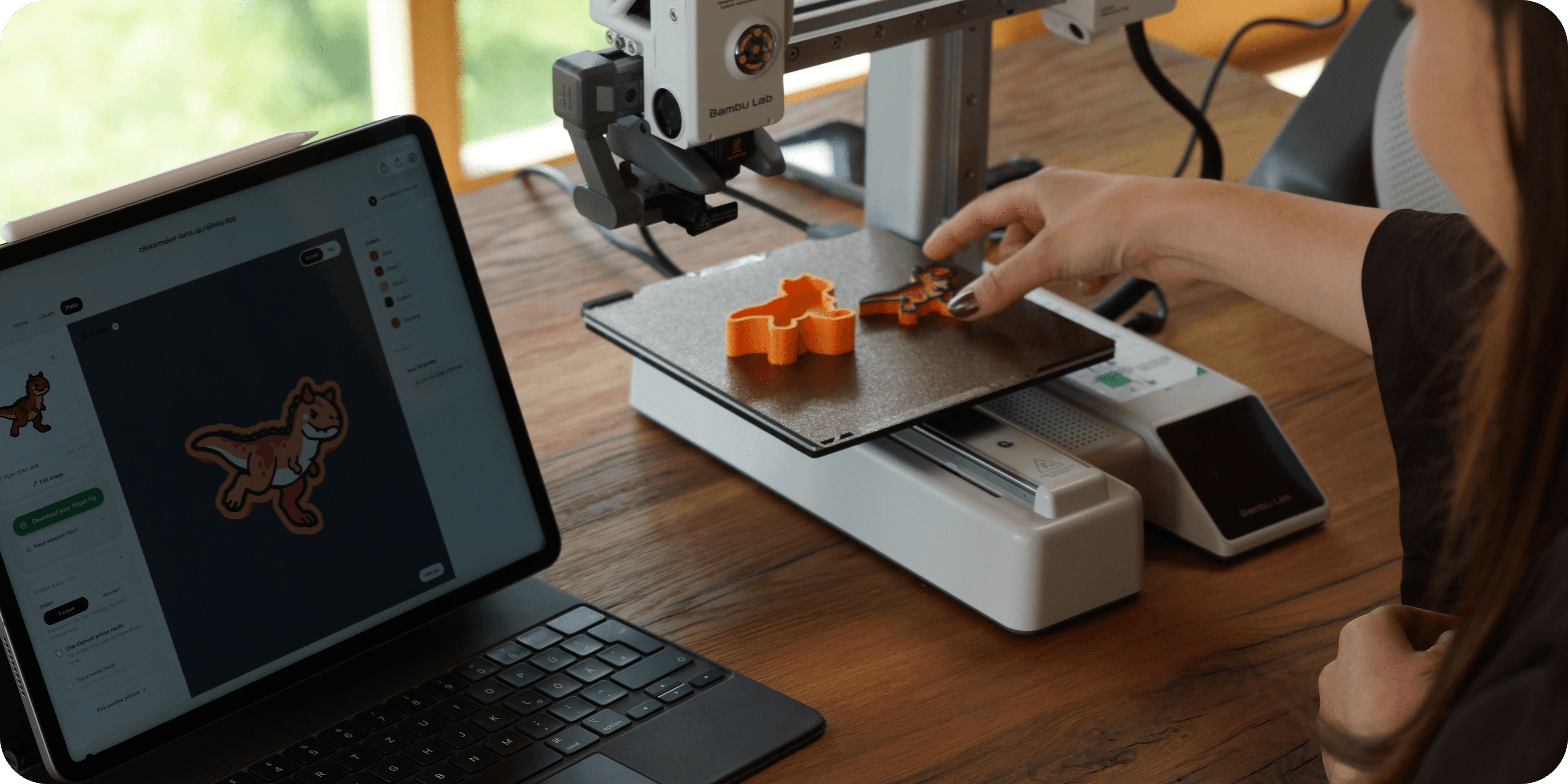
    Use one from the library or upload your own image or photo. Customise in the built-in editor, add stamps, change details, make it yours.

  2. Pick a toy & tune it.

    Clicker, slider, spinner, bubbles, mesh and more. Recolour, resize, pick your printer. The preview updates as you go.

  3. Print it.

    Download a pre-coloured file, optimised for Bambu Studio. Slice. Print. Fidget.

03What you can do

Make your own fidget toy.

Upload or pick.

01

Pick from the library or upload your own image or photo. Your design becomes a fidget toy in seconds.

A whole toy family.

02

Clickers that click, sliders that glide, spinners, pop bubbles, flexible meshes, infinity cubes. Same picture, your pick of toy.

Customise visually.

03

An intuitive editor and a built-in library. Recolour, resize, position the mechanism, add stamps.

Print-ready 3MF.

04

Export files fully optimised for Bambu Studio. Open it, slice, print, done.

Multi-colour, or not.

05

No multi-colour printer? No problem. Designs print perfectly on single-colour printers too.

Sell what you print.

06

Lifetime commercial license available at launch. No per-unit fees, no royalty.

04Designs & stamps

Don’t have a picture? Start from the library.

Start with a template, add some decorations, and export a printable fidget toy. Or upload your own picture and customize that instead.

Starter designs

Dinos, fruits, animals, icons. A growing collection, free forever.

Detail stamps

Stars, bows, hearts, sparkles, and more. Layer onto any design.

Editing controls

Line thickness, colours, mechanism placement. Everything updates live.

Step 1

Starter design

Pick from the library

Step 2

+ Detail stamps

Layer in stars, bows, hearts

Step 3

Tuned line weight

Adjust thickness, recolour

Library grows with every release. Free, forever.

06What backers get

Two tiers, both lifetime.

Pick the one that fits how you’ll use it. Upgrade later if you need to.

Personal tier

For makers


  • Picture-to-fidget-toy generator (simple mode)
  • Starter library, growing every release
  • Simple customizer: decorations, eraser, recolour
  • Multi-colour 3MF exports
  • Print-in-place mechanisms
  • Lifetime access, no subscription
  • All future updates included
  • Advanced editing & photo support coming as stretch goals
Merchant tier

For sellers


  • Everything in Personal
  • Commercial license for Etsy, craft markets, commissions
  • No per-unit fee, no royalty
  • Sell printed fidget toys as your own SKU
  • Bulk-export multiple variants at once (planned)
  • Priority queue on stretch goals

Exact pricing reveals at campaign launch on Makerworld.

Roadmap

Every backer gets the Maker roadmap as it ships. You help decide what comes first.

Maker RoadmapIncluded for every backer

  1. More Toy Types

    Magnetic sliders, spinners, pop bubbles, hex stacks, rail sliders, flex meshes, and infinity cubes. In testing now.

    Planned
  2. Keychain & Magnet

    Turn any toy into a keychain or fridge magnet.

    Planned
  3. Expanded Library

    More themed image packs: fossils, berries, farm animals, space, food, and more.

    Planned
  4. Textured Housing Variants

    New housing textures coming: carbon fiber, wood grain, dotted patterns, and more.

    Planned
  5. Custom Text & Bottom Engraving

    Add a name, a date, or a short message. Perfect for gifts.

    Planned
  6. Expanded Editor

    New decoration stamps, advanced controls, finer positioning tools.

    Planned
  7. Double-Sided Images

    An image on the front and back of the same toy.

    Planned
  8. Cloud Save & Resume

    Save projects to your account and pick up later from any device.

    Planned
  9. Multi-Mechanism Designs

    Several buttons or sliders on a single toy for combo fidgeting.

    Planned
  10. Bambu Filament Library Integration

    Uses only the Bambu Lab filament colours you already own.

    Planned
  11. Community Gallery

    See what other backers have made, and show off your own.

    Community-driven
  12. More Maker Features, Built With You

    The list grows with the community. Vote on what matters most and tell me what's missing.

    Community-driven

Merchant-exclusive

Everything above, plus tools for selling.

  1. Custom Order Portal

    Customers design their own toy. You get the print-ready file, hit print, and fulfill the order.

    Planned
  2. More Merchant Features, Built With You

    The Merchant tier grows with its backers. Tell me what your shop needs and we'll build it together.

    Community-driven

07Questions

Common questions.

Couldn't find what you need? Drop a question on the Makerworld campaign page. We read every comment.

  • What is FidgetMaker?

    FidgetMaker is a web app that turns your image or photo into a print-ready multi-color fidget toy. The classic is the fidget clicker (a printable toy with a satisfying click, powered by a standard mechanical-keyboard keyswitch), and the family is growing: magnetic sliders, spinners, pop bubbles, hex stacks, rail sliders, flexible meshes, and infinity cubes. Upload a picture, pick a toy, customize it, and download a ready-to-print file. No CAD, no modeling, no skills needed.

  • What toys can I make?

    Every toy is built from your picture: its shape, its colors, its details. The clicker clicks like a keyboard key. The magnetic slider glides and snaps between magnet positions. The spinner and click spinner spin (the click spinner ratchets as it goes). Pop bubbles press through with a crisp snap. The flex mesh is a flexible sheet of interlocked tiles in your image's shape. Hex stacks, rail sliders, cube meshes, and print-in-place infinity cubes round out the family. New types are in testing and roll out as they're ready.

  • What exactly am I getting as a backer?

    Lifetime access to FidgetMaker, the web app, the image library, and the editor. You'll be able to upload your own images and photos, generate print-ready multi-color fidget toys, and use the library and editor features without limits.

  • When will I get access?

    Right after the campaign ends. During the campaign, I'll be upgrading FidgetMaker to a dedicated server and refining the user experience so everything runs smoothly when many backers come on board simultaneously.

  • What's the difference between Maker and Merchant?

    Maker is lifetime personal use. Make toys for yourself, friends, and family. Merchant includes lifetime commercial rights to sell prints made with FidgetMaker on Etsy, at markets, in your shop, or anywhere else. Additional merchant-exclusive features will unlock through stretch goals as we hit them together.

  • Do I need a multi-color 3D printer?

    It depends on what you want to make. Simple multi-color toys: a multi-color printer is recommended, but there's a dedicated Single-Color printer Mode too. With Single-Color printer Mode, you'll manually switch filaments after each color layer (slower, but it works on any printer). Photo or complex toys: a multi-color printer is required. The more filament slots you have, the more detailed and colorful the toy can be. You can choose anywhere from 1 to 12 colors per toy.

  • What printers does FidgetMaker support?

    Integrated print profiles for all Bambu Lab printers. Works with any FDM printer, single-color or multi-color.

  • Why does the clicker need a separate keyswitch?

    That's what makes the click. The clicker shell holds a standard MX-style keyswitch, the same kind used in mechanical keyboards. Printing a keyswitch yourself is possible, but it won't have that satisfying click. The other toy types (sliders, spinners, bubbles, meshes, cubes) print their whole mechanism, no extra parts needed except the slider's magnets.

  • What file formats does FidgetMaker support?

    STL and 3MF. The 3MF file is the recommended one, it comes pre-colored, pre-arranged on the build plate, and includes the print profile for Bambu Studio. It's ready to slice and print right away.

  • Can I use any image, even photos I took or copyrighted ones?

    Anything you upload is your responsibility. FidgetMaker doesn't check or restrict images. Personal photos, your own art, public domain, licensed assets, all work. For copyrighted images, make sure you have the rights to use them, especially if you're selling prints under the Merchant tier.

  • Can I use the library images commercially?

    Library image licensing is being finalized separately. All images I created and own the rights to will be free for Merchants to sell. Full details will be published before the campaign goes live for pledges, so you'll know exactly what's covered before you back.

Campaign launching on Makerworld

Skip the CAD. Make the thing.

Turn logos, sketches, and mascots into printable fidget toys in minutes. Lifetime access, all future updates included.